A shared photo album for everyone, on any phone
A shared photo album is one private place where everyone you invite adds their photos and sees everyone else's. Lovd makes one in a minute that works on iPhone, Android and any computer, with no ads and no AI training, and it's free up to 500 MB.
Free to start. The people you invite join free too.
How to create a shared photo album
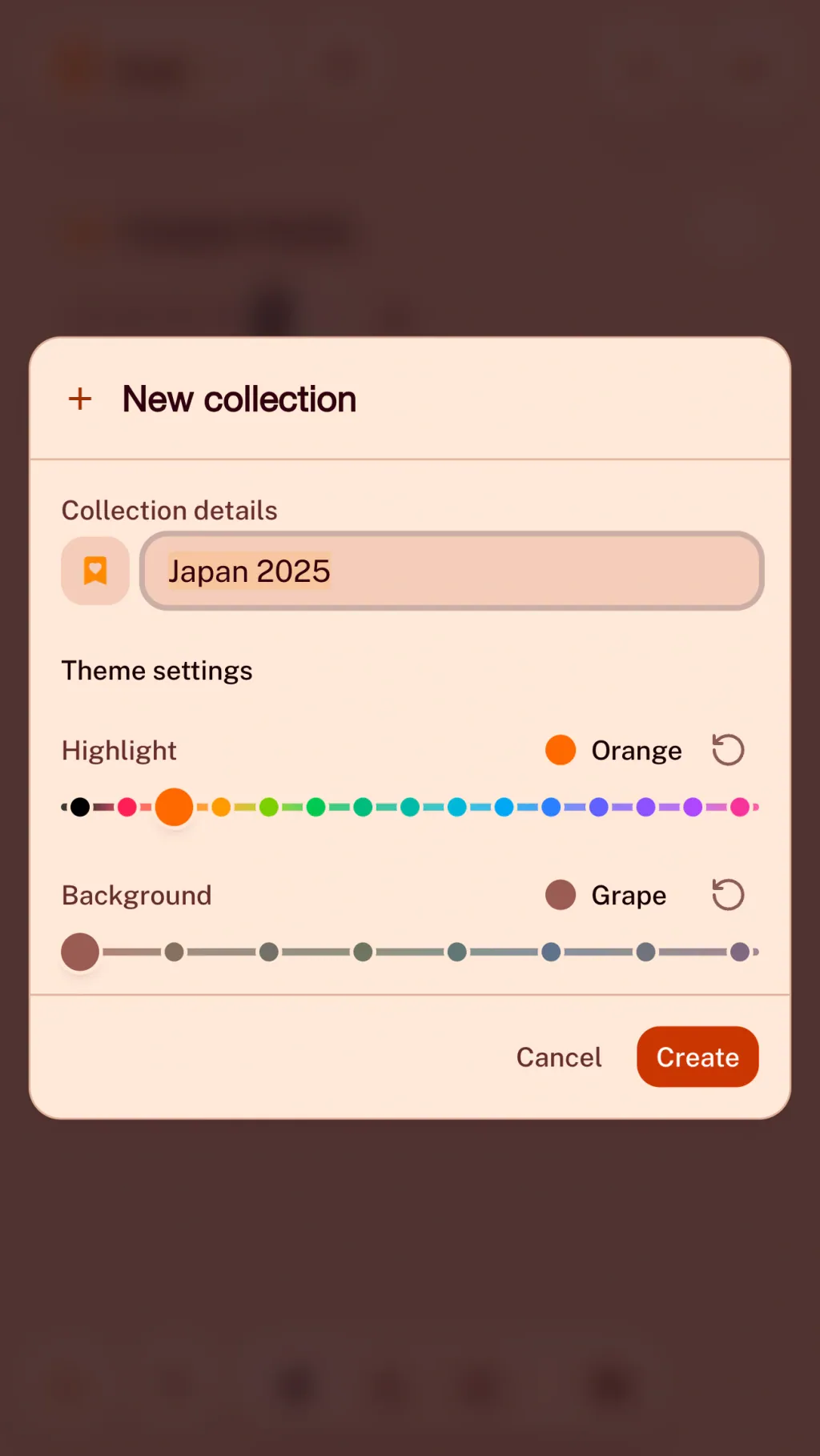
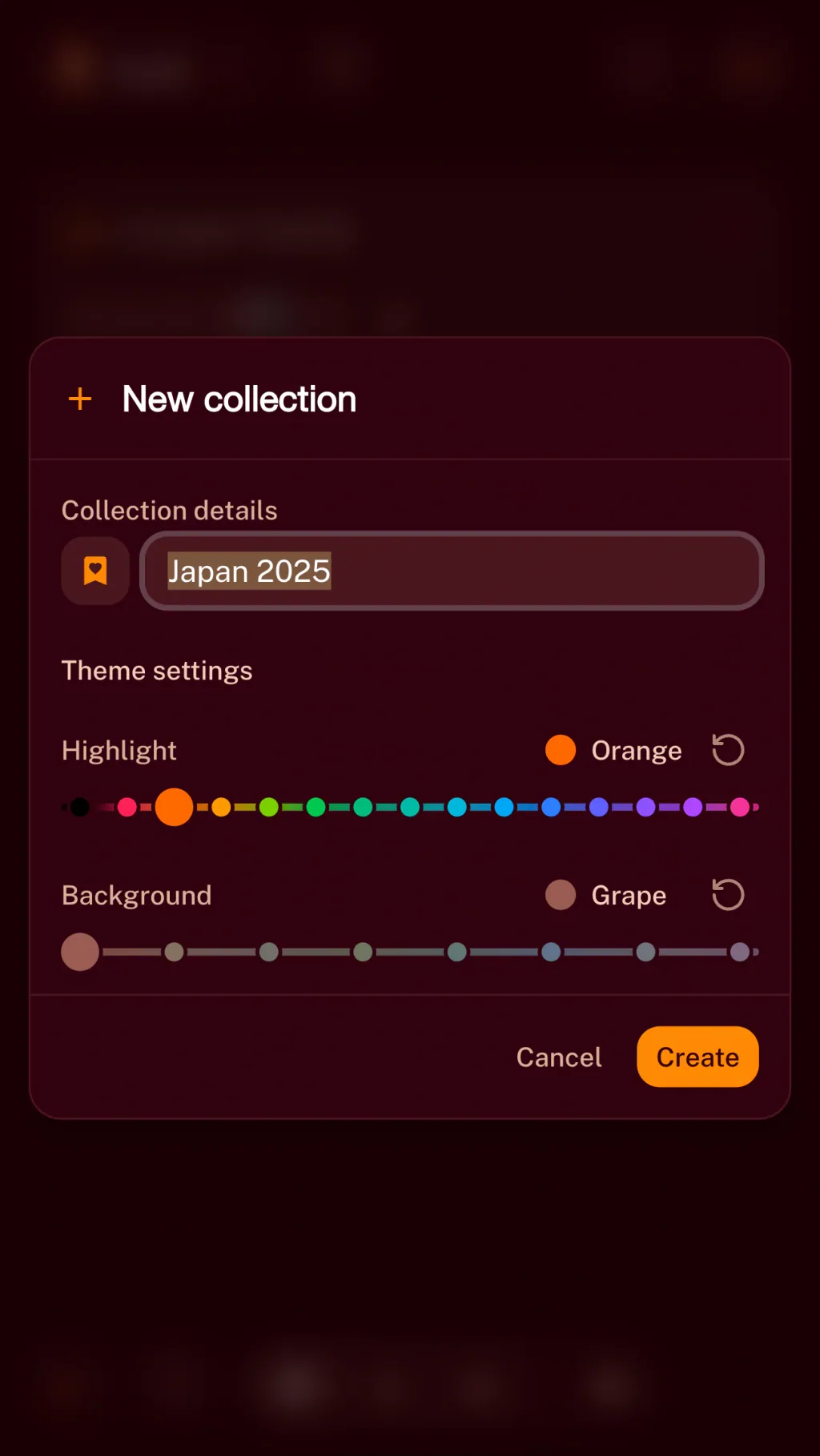
Start a collection.
Name it after the trip, the wedding or the family. It's private until you invite someone.
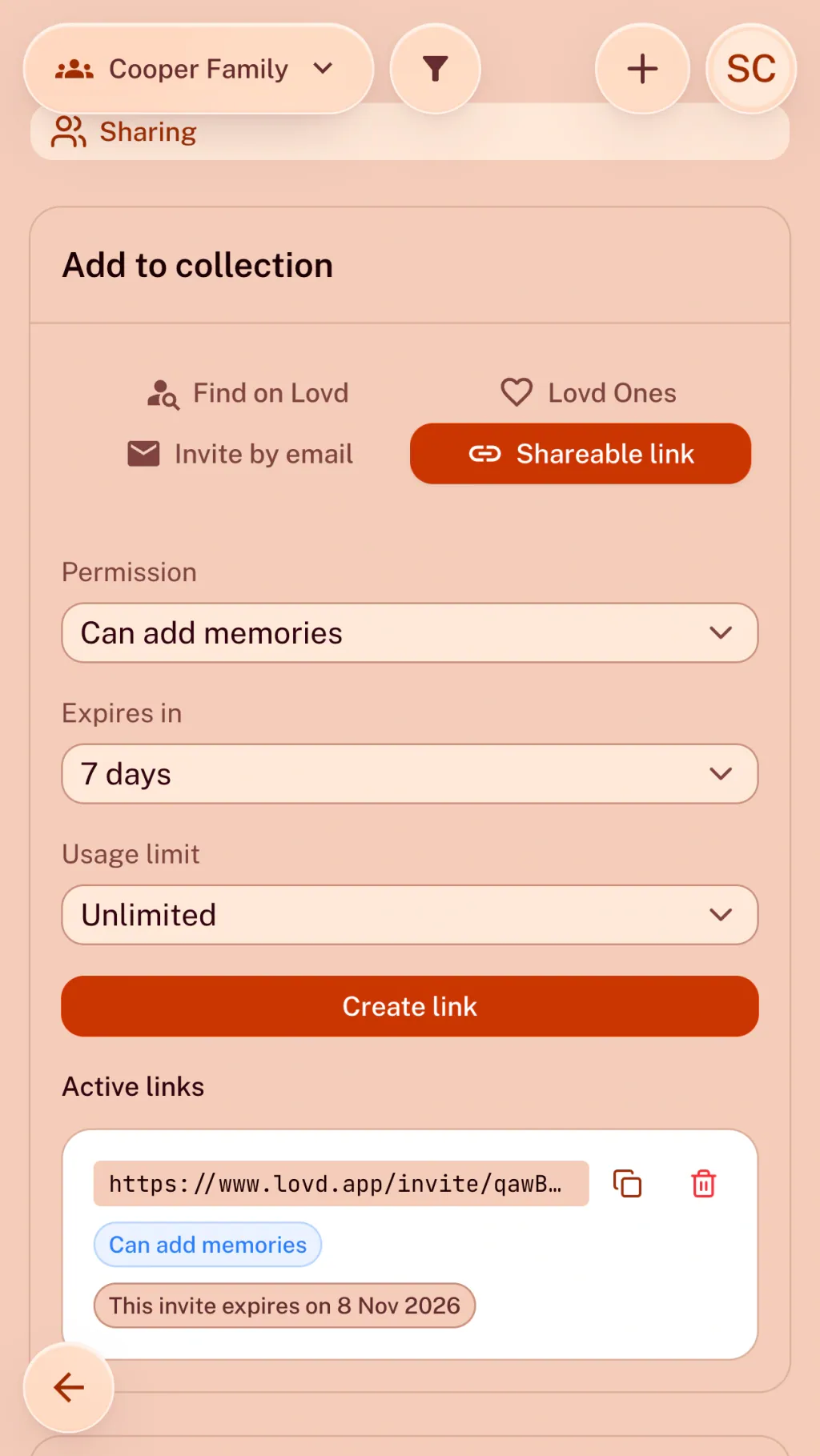
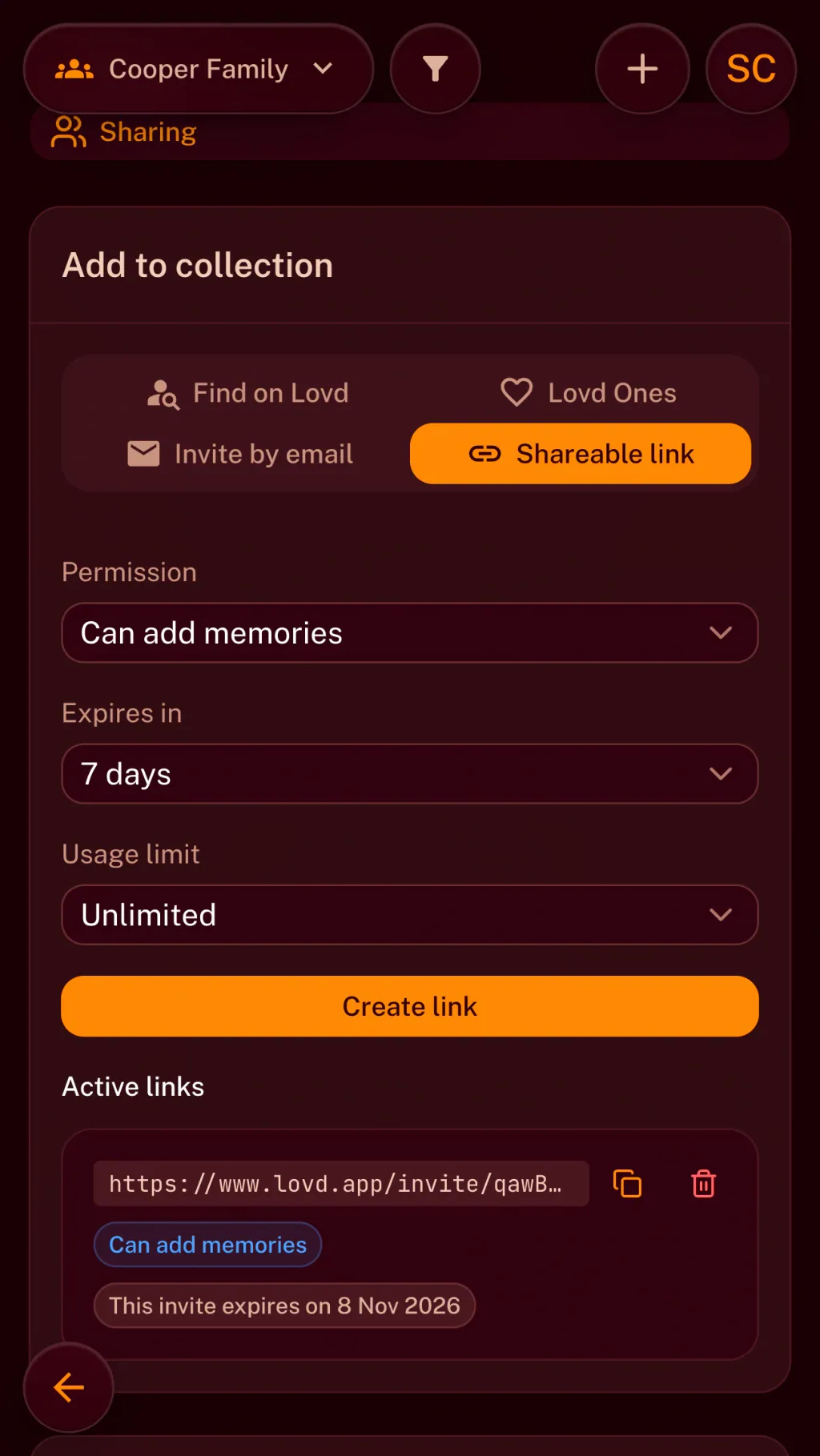
Send the link.
Invite people by email or with a link, and choose whether they can view, add their own photos or edit. They join free, and what they add uses your storage, not theirs.
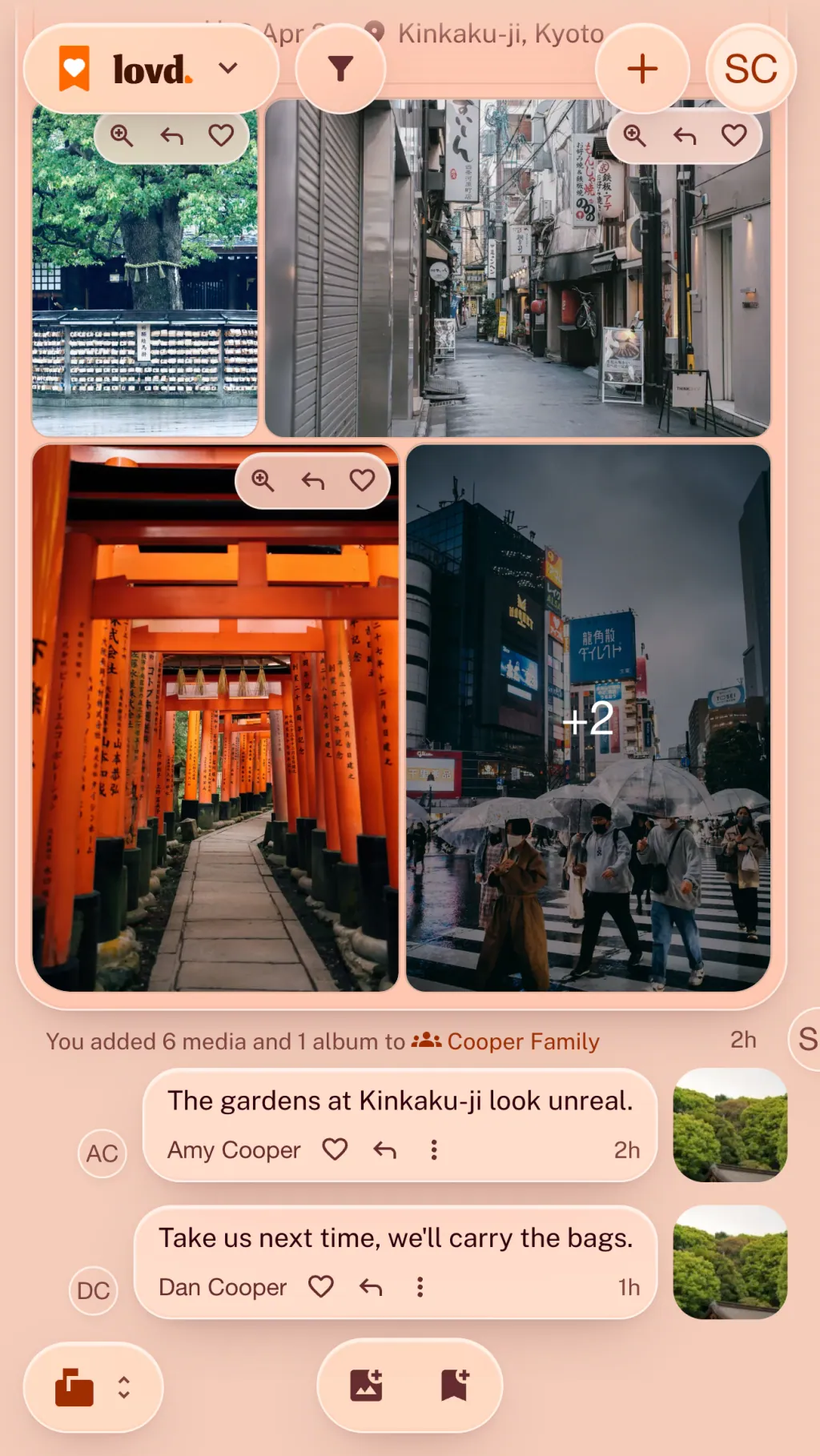
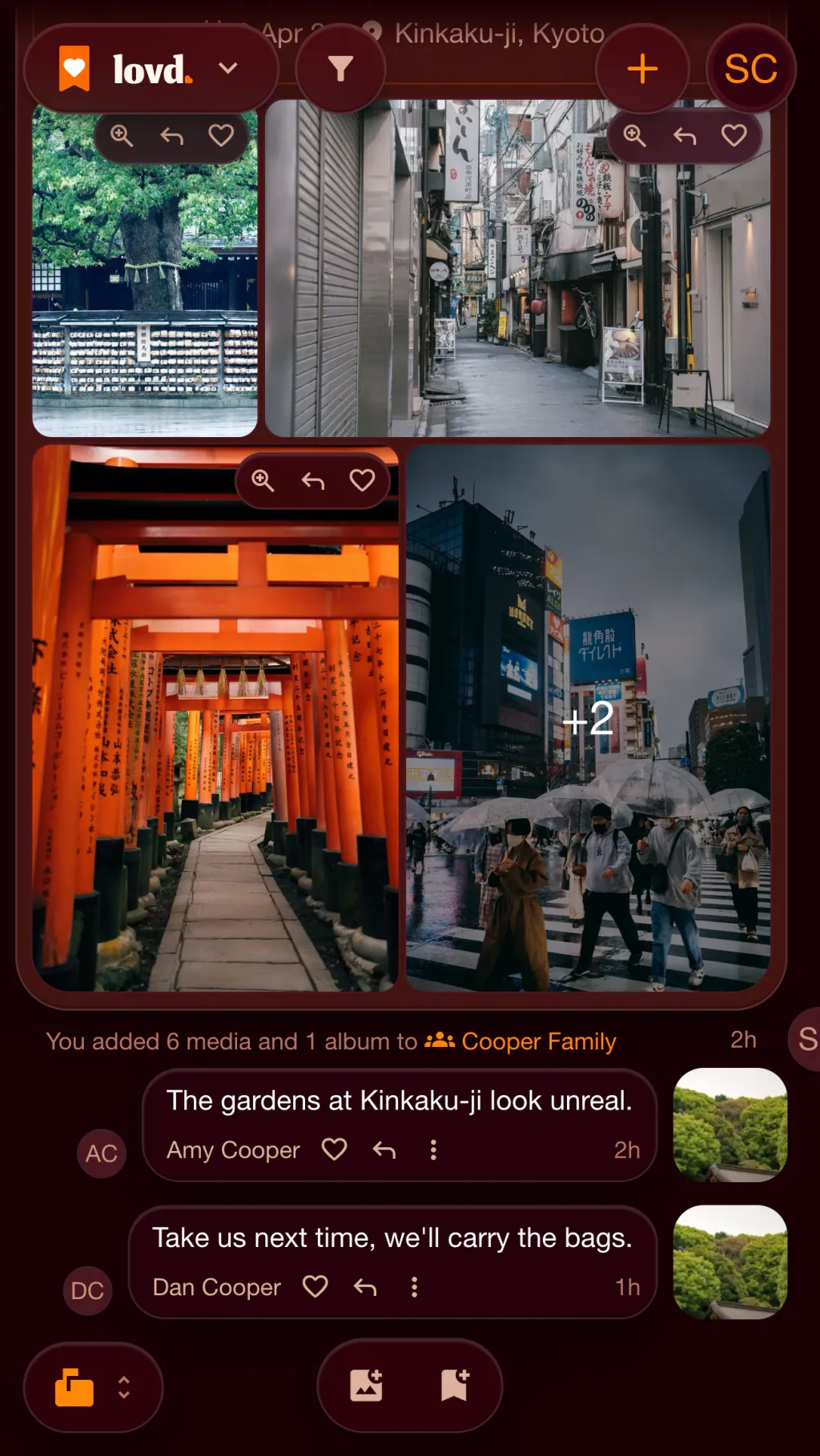
Everyone adds their photos.
Photos from every phone end up in one place, in order, with the comments that came with them. Lovd reads each photo's date and place, so they land on the timeline and the map too.
Lovd, iCloud, Google Photos and WhatsApp compared
All four are good ways to share photos with a group. What differs is what they cost, who can join, and what happens to the photos afterwards.
| Feature | iCloud Shared Albums | Google Photos shared albums | WhatsApp group | Lovd |
|---|---|---|---|---|
| What it costs | Free to use. Albums made on iOS 27 count towards iCloud storage: 5 GB free, then iCloud+ from €0.99 a month for 50 GB. | Free to use. Photos count towards Google storage: 15 GB free, shared with Gmail and Drive, then from €1.99 a month for 100 GB. | Free. | Free up to 500 MB (about 1,000 photos). Then €1 a month or €8 a year for 5 GB, or €3 a month or €30 a year for 50 GB. |
| Whose storage it uses | iCloud, and since iOS 27 what people add counts too. | The Google account each photo is kept in. | Every phone in the group keeps its own copy. | The owner's alone. The people you invite never need a paid plan. |
| iPhone and Android | Made for Apple devices. Since iOS 27, people without one can join and add photos on the web. | iPhone, Android and the web. | iPhone, Android, computers and the web. | In the browser on any phone, tablet or computer. Apps for iPhone and Android are on the way. |
| Photo quality | Full resolution since iOS 27. Older albums are 2048 pixels, with video at 720p. | Original quality, or compressed to save space. | Compressed, even in HD. Sending a photo as a document keeps the original. | Up to 2048 pixels by default, or keep the original as well. You choose on each upload. |
| How many people | Up to 100 people per album. | No limit given, and up to 20,000 photos and videos per album. | Up to 1,024 people per group. | No limit. Each person can view, add their own photos or edit. |
| How the photos are organised | One stream per album, with comments and reactions. | Albums with comments and likes, and Google Photos' search. | Mixed in with the messages. The chat's media view lists them by date. | By date and place: a feed with comments, a timeline, a map, a calendar and a family tree. |
| Privacy | No ads. Shared albums aren't end-to-end encrypted, even with Advanced Data Protection on. | Google says photos aren't used for ads or to train AI outside Google Photos. Not end-to-end encrypted. | End-to-end encrypted. Owned by Meta. | No ads and no AI training on your photos. Stored in the EU (Frankfurt), encrypted in transit and at rest, not end-to-end. |
Checked against each service's own help pages on 1 November 2026. Prices in euros, as charged in the Netherlands.
When something else is the better choice
- iCloud Shared Albums. If everyone has an iPhone, a shared album is already on their phone: nothing to install and nothing to sign up for.
- Google Photos shared albums. If you already pay for Google storage, sharing costs nothing more, and its search finds photos by what's in them.
- WhatsApp group. For sending today's photos to the group right now, nothing beats the app everyone already has. It's end-to-end encrypted too.
When Lovd is the better choice
When the photos should last. Each family, trip or group gets one private place where everyone's photos stay together, in order and on the map, on any phone, with no ads and only one person's storage to think about.
Shared photo albums: questions
More answers in the Help CenterHow do I create a shared photo album?
In Lovd, create a collection, open its Sharing tab and send a link or an email invite. Choose whether people can view, add their own photos or edit. Everyone who joins sees the same photos, and anything they add appears for the rest.
What's the best way to share photos with a group for free?
For a quick share, a group chat or a free shared album works well. For photos you want to keep together, Lovd is free up to 500 MB (about 1,000 photos), and the people you invite never pay: what they add counts towards your storage, not theirs.
Can iPhone and Android users share the same album?
Yes. Lovd runs in the browser on any phone, tablet or computer, so people with an iPhone and people with an Android phone join the same album and add their photos. Add it to your Home Screen and it opens like an app.
Are photos compressed in a shared album?
In Lovd, photos are kept at up to 2048 pixels by default, which looks the same on a screen and takes far less space. You can keep the original file as well, on any upload.
Who can see the photos in a shared album?
Only the people you invite. A collection is private until you share it, invite links can expire and be revoked, and you can remove someone at any time. Lovd shows no ads and never uses your photos to train AI.
What happens to the photos if I stop paying?
You move to the free 500 MB plan and nothing is removed. You can still view and download everything.